Company formation in the MantelHandel app
Choose a jurisdiction, go through five steps, pay in crypto. Order status and finished documents in your account, with no visits or calls.
Choose a jurisdiction
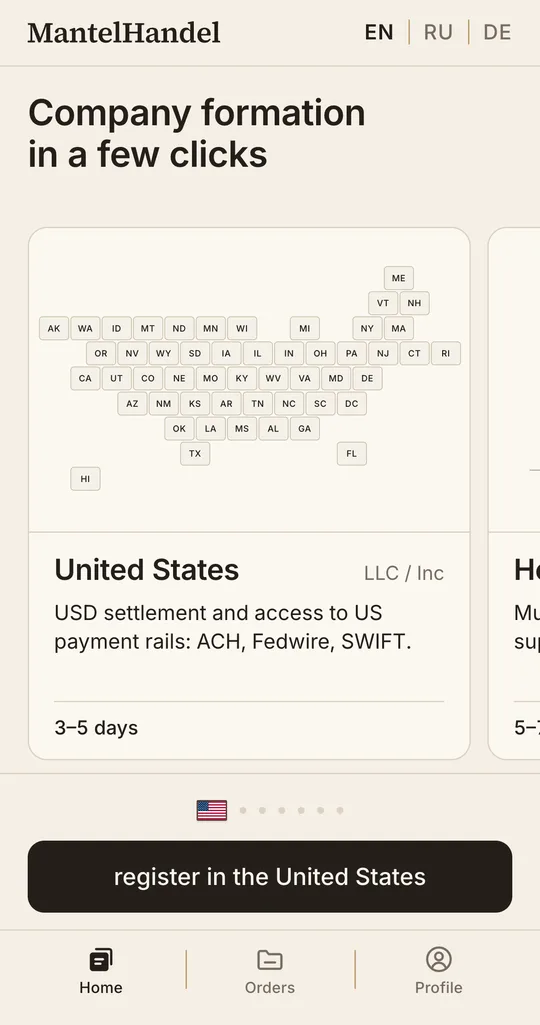
Choose a jurisdiction by scrolling the app's home screen. The list grows regularly: we add jurisdictions where registration needs minimal involvement from you. Once you have chosen, open its card with the price, the package and the registration time.
Enter your details and choose the legal form
Choose the legal form and fill in the details needed for registration. If necessary, upload the documents the app asks for.
 For a company in the US, your full name and home address are enough.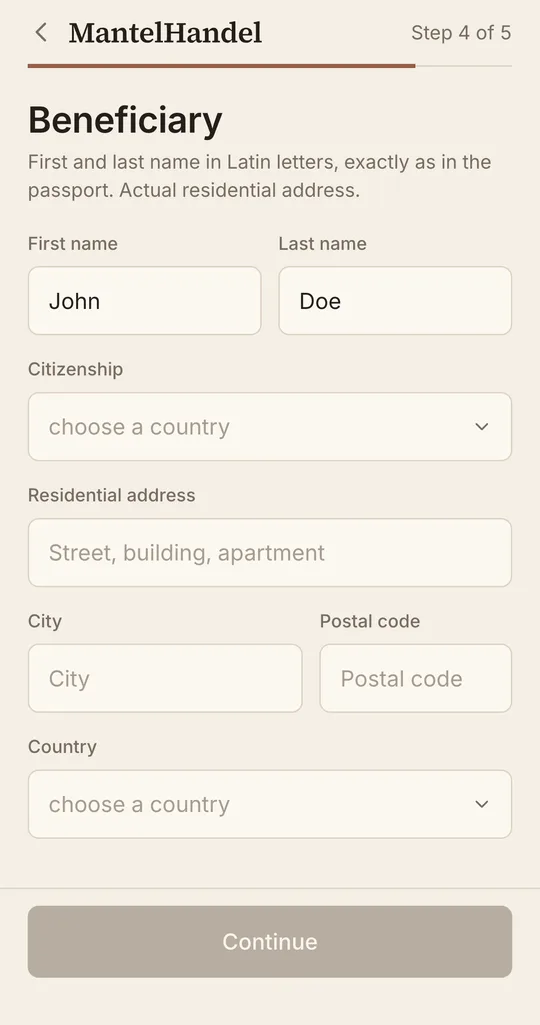
Review and pay
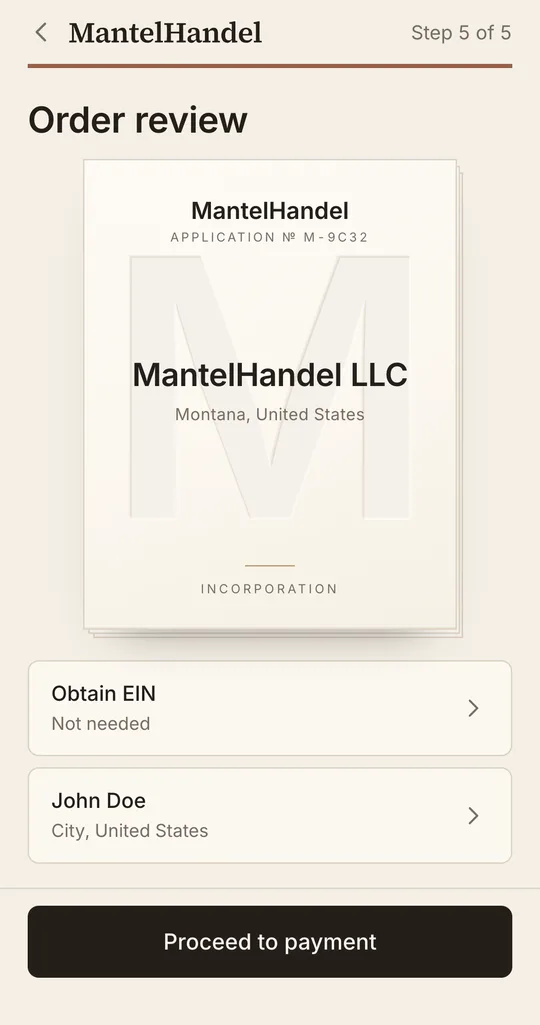
Before paying, check the card of your future company: name, owner, legal form, address and package. Payment is accepted in crypto: USDT, USDC or BTC.
Status and documents
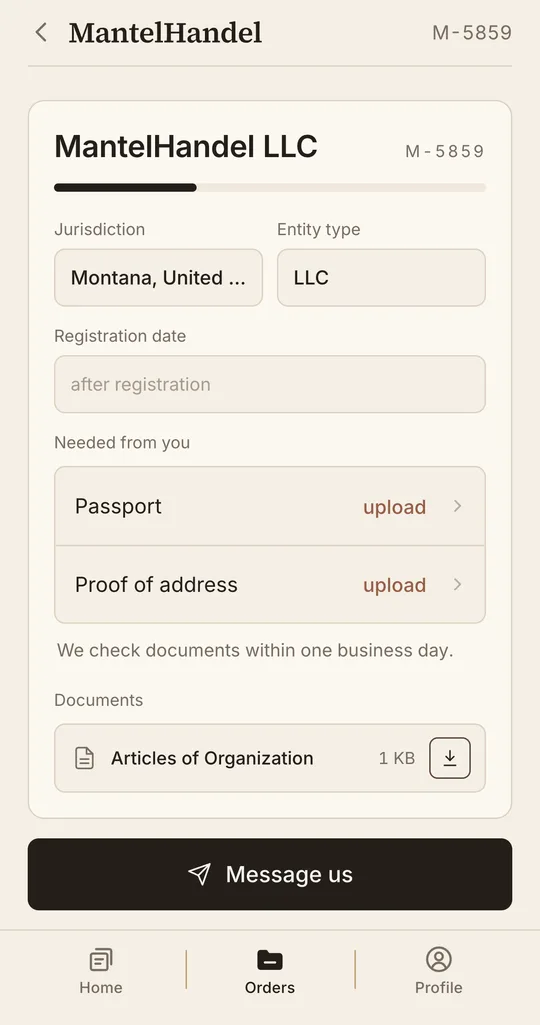
After payment, the application becomes a company card with registration stages. As each stage completes, you receive its documents; you can download them at any time.
Company management
For a registered company you can turn on filing reminders: the app tells you in advance when the state expects its annual report. You can file it yourself or have us do it.


